
How we evaluated these tools
We installed each library into a fresh Vite 6 + React 19 + TypeScript 5.7 project, built a 5-step product tour, and measured bundle size (via bundlephobia), initialization time, and TypeScript coverage. We also checked React 19 compatibility, WCAG 2.1 AA compliance, last npm publish date, and license terms.
Bias disclosure: We built userTourKit, so it's listed first. We've tried to be fair with every entry, but you should know that. Every claim is verifiable against npm, GitHub, and bundlephobia.
Scoring criteria: bundle size (20%), TypeScript support (15%), React 19 compatibility (15%), accessibility (15%), maintenance activity (15%), feature scope (10%), pricing (10%).
Quick comparison table
| Tool | Type | Bundle (gzip) | React 19 | TypeScript | License | Pricing | Best for |
|---|---|---|---|---|---|---|---|
| userTourKit | Headless library | Under 23KB core | Yes | Strict | BUSL-1.1 | Free + $9.99 Pro | Design system teams |
| React Joyride | Opinionated library | ~30KB | v3 only | Built-in (v3) | MIT | Free | Quick drop-in tours |
| Shepherd.js | Framework-agnostic | ~25KB | Via wrapper | Built-in | MIT | Free | Multi-framework teams |
| Driver.js | Vanilla JS | ~5KB | N/A (no wrapper) | Built-in | MIT | Free | Lightweight highlights |
| Reactour | React library | ~12KB | Partial | DefinitelyTyped | MIT | Free | Simple sequential tours |
| OnboardJS | Headless framework | ~10KB | Yes | Built-in | MIT / SaaS | Free + $59/mo | State machine fans |
| Onborda | Next.js library | ~8KB + Framer Motion | Yes | Built-in | MIT | Free | Next.js App Router |
| Intro.js | Vanilla JS | ~10KB | N/A (no wrapper) | DefinitelyTyped | AGPL-3.0 | Free / $9.99+ | Non-React projects |
| Appcues | SaaS platform | ~80KB snippet | N/A | N/A | Proprietary | ~$249/mo | PM-led teams |
| Userpilot | SaaS platform | ~90KB snippet | N/A | N/A | Proprietary | ~$249/mo | Analytics + onboarding |
Data verified April 2026. Sources: npm, GitHub, bundlephobia, official pricing pages.
1. userTourKit: best for teams with a design system
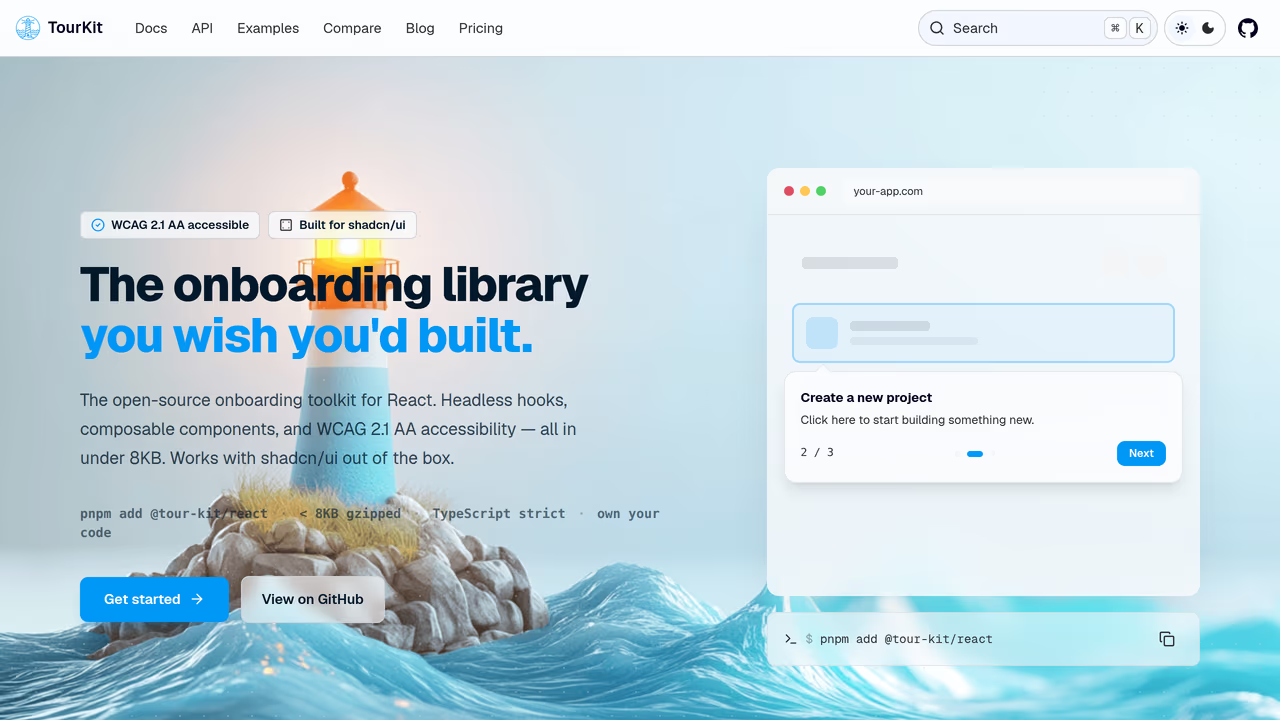
If your engineering team owns a component library or design system, you do not want a tour tool that ships its own UI and fights your tokens. userTourKit is headless: it handles tour logic, positioning, and state, then gets out of the way so your components render every tooltip, popover, and checklist. The core weighs under 23KB gzipped and supports React 18 and 19. Ten separate packages (tours, hints, checklists, announcements, analytics, scheduling) let you adopt only what your roadmap requires.
Strengths:
- Renders with your existing shadcn/ui, Radix, or Tailwind components, so tours match your app from day one
- Modular packages mean a solo developer can start with
core+reactand a platform team can layer in analytics and scheduling later - WCAG 2.1 AA compliant with focus management, keyboard navigation, and
prefers-reduced-motion asChildpattern (UnifiedSlot) integrates with both Radix UI and Base UI workflows
Limitations:
- Code-only. No visual editor, no drag-and-drop. Your team must be comfortable writing JSX
- Newer project, so the community is still growing compared to established alternatives
- No mobile SDK or React Native support
Pricing: Free MIT core (tours, React bindings, hints). $9.99 one-time Pro (adoption, analytics, announcements, checklists, media, scheduling).
Best for: Engineering-led teams maintaining a design system who want tours that look and behave like the rest of their product, not like a third-party widget.
npm install @tour-kit/core @tour-kit/react2. React Joyride: best for shipping a tour this afternoon
When the PM asks for a product tour by end of sprint and your team has no time to design custom tooltips, React Joyride gets you there. It is the most-installed React tour library with ~700K weekly npm downloads and ~7,600 GitHub stars. The v3 rewrite (released March 2026) replaced class components with hooks, added @floating-ui/react-dom positioning, and ships built-in TypeScript types. Pass an array of step objects to a single <Joyride> component and you have a working tour in five lines.
Strengths:
- Enormous install base means answers exist for almost every edge case on Stack Overflow and GitHub Issues
- Pre-built tooltip UI requires zero design decisions, ideal for prototypes and internal tools
- v3 added
useJoyride()hook for programmatic control - MIT licensed with no commercial restrictions
Limitations:
- Ships opinionated tooltip styles that clash with Tailwind, CSS Modules, and design tokens
- No headless mode. Customization means overriding components, not composing your own
- Tours only. No checklists, hints, announcements, or analytics
- ~30KB gzipped bundle adds weight on mobile
Pricing: Free (MIT).
Best for: Small teams or solo developers who need a functional tour fast and can live with default styling. Also strong for internal tools where design polish matters less.
3. Shepherd.js: best when your org runs multiple frameworks
If your company maintains a React dashboard, a Vue marketing site, and an Angular admin panel, Shepherd.js lets you standardize on one tour library across all of them. It is framework-agnostic at its core with dedicated wrappers for React (react-shepherd), Vue, Angular, and Ember. Backed by Ship Shape (a consultancy), it carries ~12,000 GitHub stars and ~130K weekly npm downloads. Built-in TypeScript types and solid step-based API with before/after hooks.
Strengths:
- One library, one API, across every major frontend framework your org uses
- Professionally maintained by a funded consultancy, not a solo side project
- Clean step lifecycle hooks make conditional logic straightforward
- Good keyboard navigation support out of the box
Limitations:
- The React wrapper introduces a DOM abstraction layer with its own lifecycle that can feel foreign to React developers
- Ships its own CSS that requires overrides to match Tailwind or your design system
- ~25KB gzipped is heavier than React-specific alternatives
- No built-in checklists, analytics, or announcement features
Pricing: Free (MIT).
Best for: Organizations with frontend apps spanning multiple frameworks that want a single tour solution and a single set of tour content for all of them.
4. Driver.js: best for one-off element spotlights
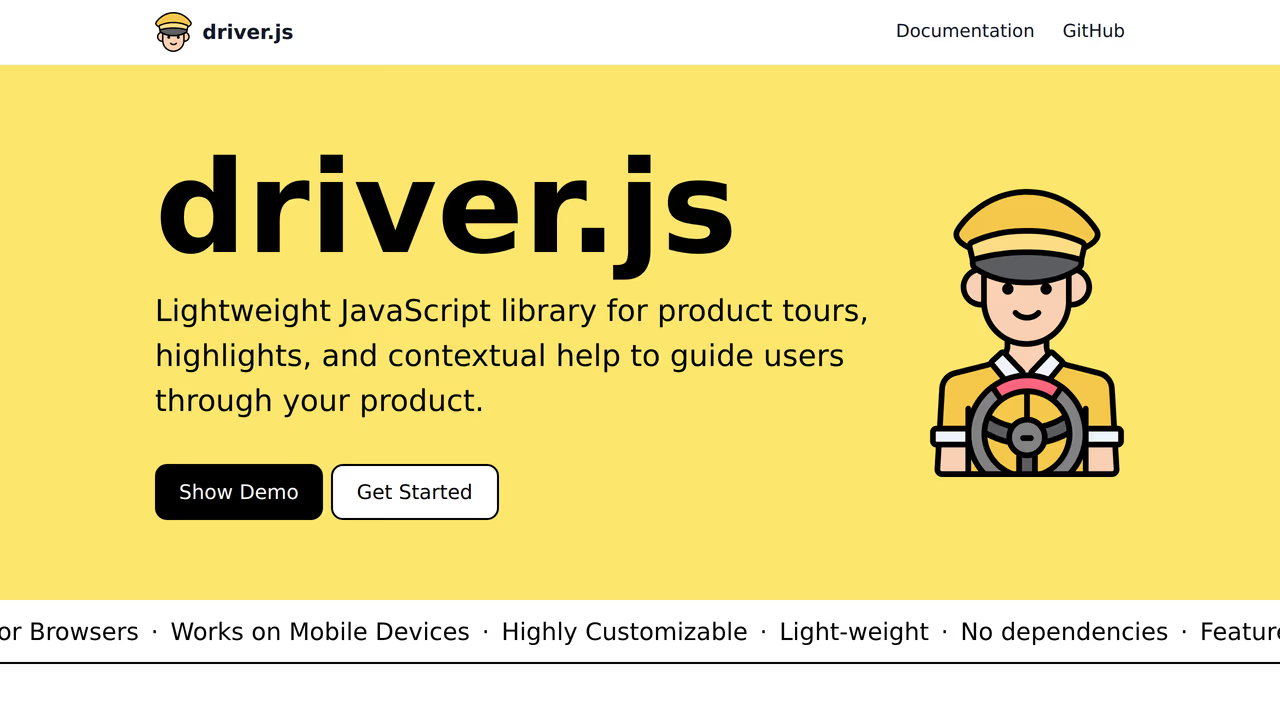
Not every team needs a full onboarding flow. Sometimes you just need to draw attention to a new button or highlight a feature after a release. Driver.js does that at ~5KB gzipped with zero dependencies and ~22,000 GitHub stars. Pure vanilla JavaScript with built-in TypeScript types. Three lines of code to spotlight an element with a smooth overlay animation.
Strengths:
- Smallest footprint in the category, ideal for performance-sensitive apps
- Beautiful default highlight animations that look polished without configuration
- Dead simple API. No providers, no context, no wrappers
- MIT licensed, works anywhere JavaScript runs
Limitations:
- No React bindings. Uses direct DOM manipulation, so you need
useEffectand refs to use it safely in React - Configuration lives in JS objects, not JSX. No component composition pattern
- Better suited for spotlighting than for multi-step onboarding sequences
- Community-maintained by a solo developer
Pricing: Free (MIT).
Best for: Teams that need lightweight element highlighting for feature announcements or contextual help, not full-blown onboarding flows. Pairs well with any framework since it has no opinions about your stack.
5. Reactour: best for small teams that want simplicity
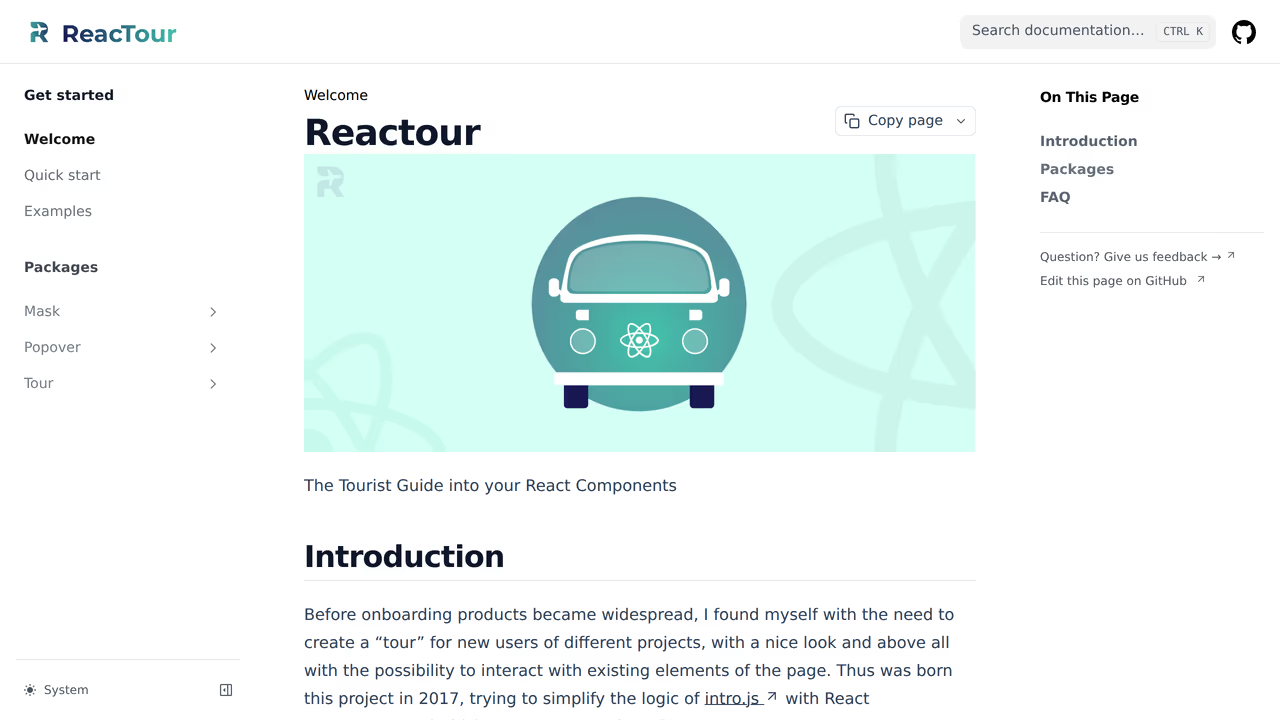
Reactour appeals to small teams and early-stage startups that want a tour without learning a complex API. It does one thing well: sequential step-by-step tours with a clean, minimal UI. Define steps as { selector, content } objects, wrap your app in a provider, and the tour runs. About ~3,800 GitHub stars and steady maintenance. Uses @popperjs/core for positioning.
Strengths:
- Minimal API that a new developer can learn in ten minutes
- Clean default styling that does not look dated
- Supports custom content renderers per step for flexibility
- ~12KB gzipped, reasonable for what it delivers
Limitations:
- Types from DefinitelyTyped, not first-party, so they can lag behind releases
- Partial React 19 support (verify against your version before committing)
- No headless mode, no checklists, no analytics. Sequential tours only
- Smaller community means fewer examples and less Stack Overflow coverage
Pricing: Free (MIT).
Best for: Early-stage teams or side projects where the priority is a clean, working tour with minimal configuration overhead, not extensibility.
6. OnboardJS: best for teams that think in state machines
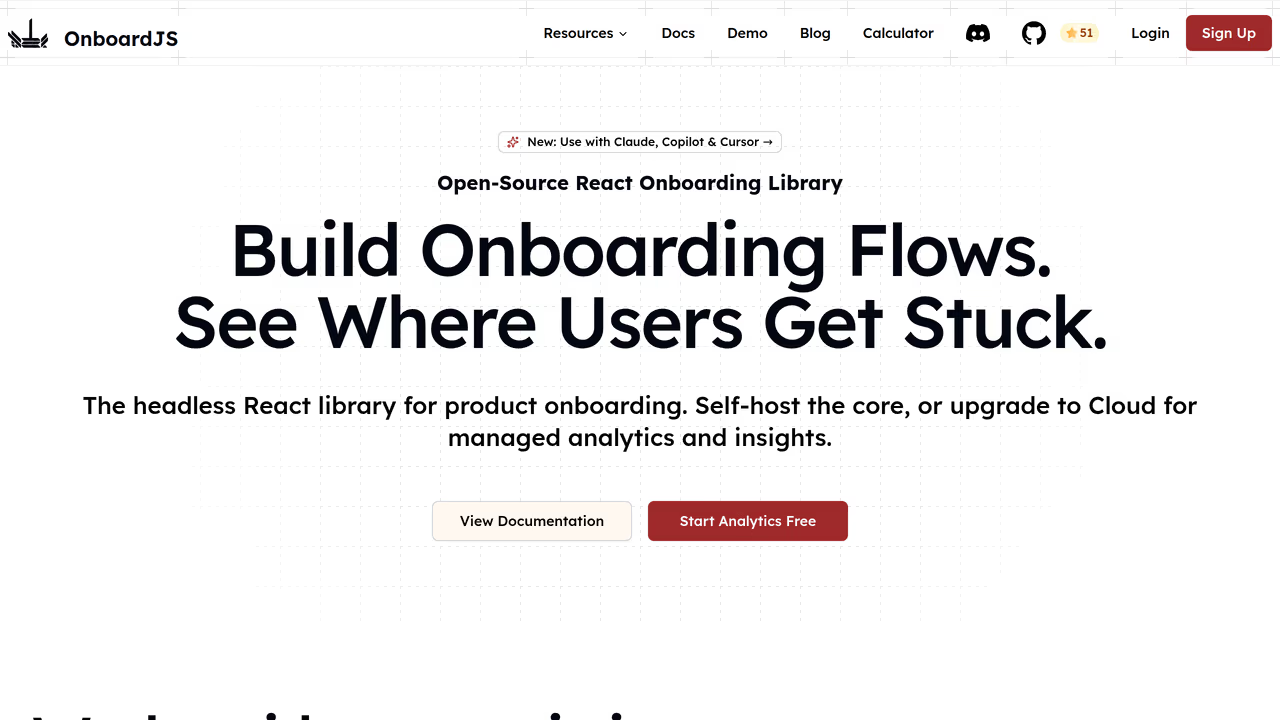
If your engineering culture leans toward formal state management (XState, Zustand, Redux), OnboardJS will feel natural. It models onboarding flows as finite state machines rather than step arrays, which makes branching logic, conditional steps, and error recovery explicit in your code. Ships React bindings, built-in analytics plugins for PostHog and Supabase, and TypeScript types. ~10KB gzipped for the core.
Strengths:
- State machine architecture prevents impossible tour states and makes complex branching flows predictable
- Built-in analytics hooks for PostHog, Supabase, and custom adapters reduce integration work
- Headless design lets you own the UI layer entirely
- TypeScript-first with typed state transitions
Limitations:
- Solo maintainer, which introduces continuity risk for long-term adoption
- State machine model adds conceptual overhead that is overkill for simple linear tours
- SaaS tier at $59/month for dashboard features, a recurring cost that compounds over time
- Smaller ecosystem with fewer production case studies
Pricing: Free (MIT core). $59/month for SaaS dashboard.
Best for: Engineering teams already comfortable with state machine patterns who want their onboarding logic to be as rigorous as their application state.
7. Onborda: best for all-in Next.js teams
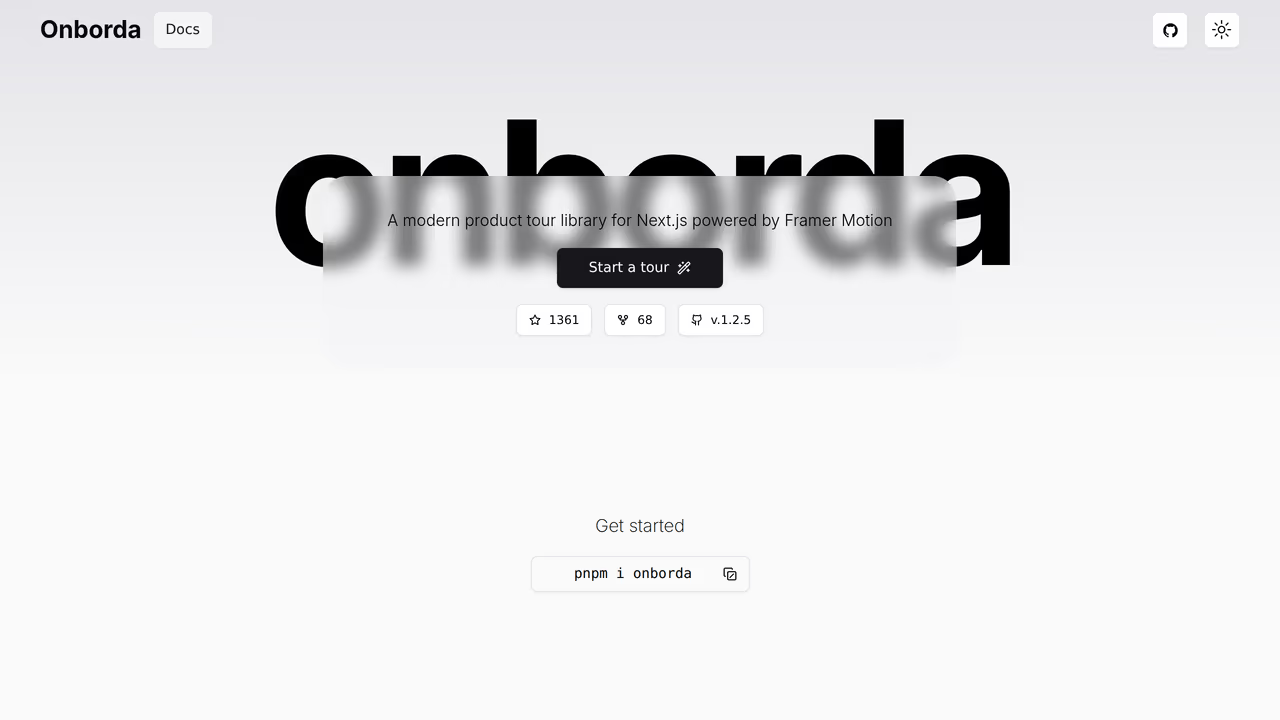
Onborda exists for teams that have bet entirely on the Next.js App Router stack. It handles server component boundaries, client-side routing, and Framer Motion animations without the workarounds other libraries require in Next.js. If your frontend is 100% Next.js and you already ship Framer Motion, Onborda removes compatibility friction entirely. ~8KB gzipped plus the Framer Motion dependency.
Strengths:
- Purpose-built for Next.js App Router, no client-side routing hacks needed
- Framer Motion animations integrated and configurable out of the box
- TypeScript types included, authored alongside the library
- Growing traction in the Next.js community
Limitations:
- Locked to Next.js. Moving to Remix, Vite, or plain React means starting over
- Tours only. No checklists, hints, announcements, or analytics
- Framer Motion dependency adds to your bundle if you are not already using it
- Newer project with a thinner issue and PR history
Pricing: Free (MIT).
Best for: Teams fully committed to Next.js App Router that already use Framer Motion and want a tour library that works with their stack without adaptation.
8. Intro.js: the veteran with a license wall
Intro.js has been in production since 2013 and carries ~22,000 GitHub stars. It is vanilla JavaScript with no React wrapper, relying on direct DOM manipulation. Reliable for non-React projects, but two factors limit its fit for React teams: the AGPL-3.0 license requires you to open-source your entire application or purchase a commercial license, and the lack of React bindings means you are working against React's rendering model. ~10KB gzipped.
Strengths:
- Over a decade of production use across thousands of projects
- Extensive documentation and community knowledge base
- Framework-agnostic, works in any JavaScript environment
- Lightweight at ~10KB gzipped
Limitations:
- AGPL-3.0 license means commercial projects must buy a license or open-source their codebase
- No React bindings. DOM manipulation conflicts with React's reconciler
- Commercial license starts at $9.99/developer for personal use, scales with team size
- Types live on DefinitelyTyped, not in the package
Pricing: Free under AGPL-3.0. Commercial licenses from $9.99/developer.
Best for: Legacy codebases or non-React projects where the AGPL terms are acceptable. React teams should look at MIT-licensed alternatives first.
9. Appcues: best when product managers own onboarding
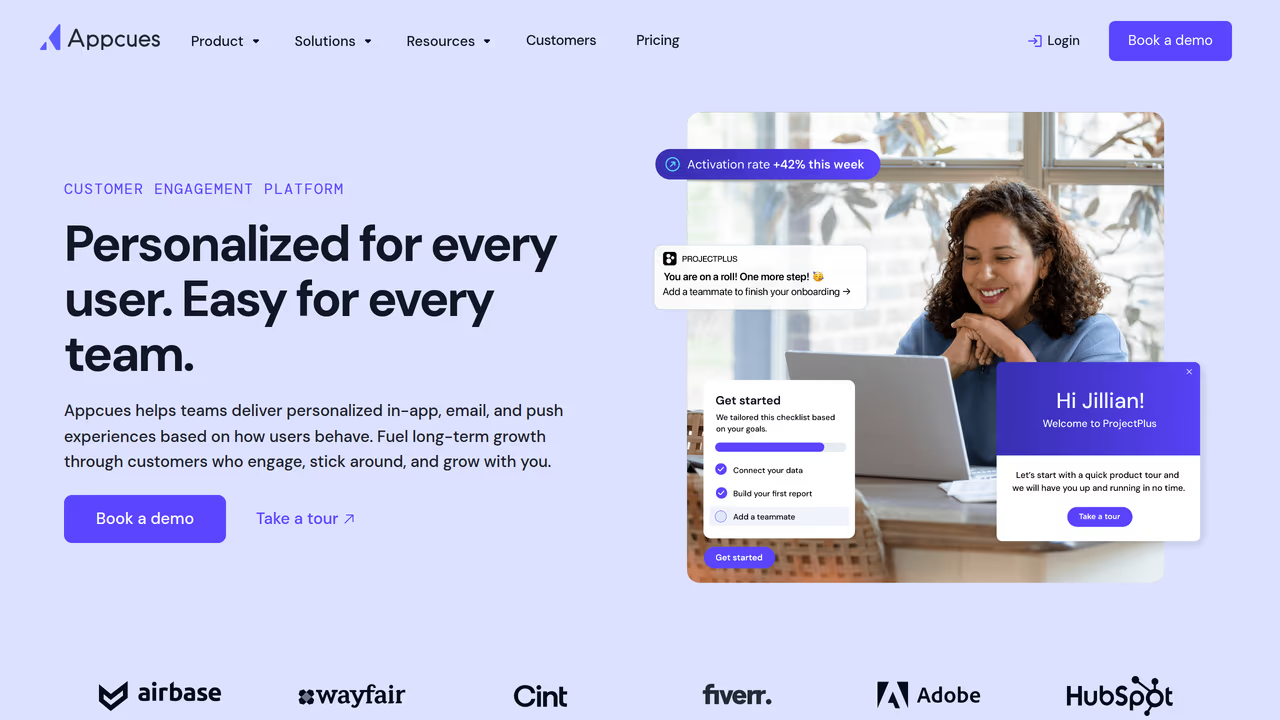
Appcues shifts tour creation from engineering to product. Its visual editor lets PMs build, edit, and publish tours, checklists, and NPS surveys without writing code or filing engineering tickets. The trade-off is clear: you gain PM autonomy but lose code ownership, pay ~$249/month, and accept an ~80KB snippet loaded at runtime. For organizations where the product team iterates on onboarding weekly and developers are a bottleneck, that trade-off makes financial sense.
Strengths:
- Visual builder removes developers from the tour creation loop entirely
- Broad feature set: tours, checklists, NPS surveys, announcements, hotspots
- User segmentation and analytics for targeting specific cohorts
- Enterprise-grade with SOC 2 compliance
Limitations:
- ~$249/month minimum ($2,988/year before scaling), a significant line item for startups
- ~80KB runtime snippet impacts page load performance and Core Web Vitals
- Tours live on Appcues servers, creating vendor lock-in and migration difficulty
- DOM selector-based targeting means tours can break when your UI changes
Pricing: ~$249/month (Essentials). Enterprise pricing negotiable.
Best for: Mid-market and enterprise companies where product managers need to ship and iterate on onboarding independently, and the engineering team should not be involved in every tour change.
10. Userpilot: best for teams that want onboarding and analytics in one tool
Userpilot bundles product tours, feature adoption tracking, NPS surveys, and product analytics into a single SaaS platform. If your team currently uses separate tools for tours and analytics and wants to consolidate, Userpilot reduces tool sprawl. The analytics depth is its differentiator: session recordings, funnel analysis, and feature usage heatmaps sit alongside the tour builder. ~90KB snippet, similar pricing to Appcues at ~$249/month.
Strengths:
- Unified onboarding and analytics reduces context-switching between tools
- Visual builder with event-based targeting and user segmentation
- In-app resource center for self-serve help documentation
- Strong analytics: session recordings, funnels, and feature adoption metrics
Limitations:
- ~$249/month starting price, comparable to Appcues
- ~90KB snippet is the heaviest runtime cost on this list
- Same vendor lock-in risk as any SaaS approach: migrating away means rebuilding
- React teams lose fine-grained control over how onboarding renders
Pricing: ~$249/month (Starter).
Best for: Product-led growth teams that want to consolidate onboarding and product analytics into one platform and have the budget for SaaS pricing.
How to choose: team size, budget, and technical capacity
The right tool depends less on feature checklists and more on who builds and maintains your onboarding. Here is how to think about it:
Start with who owns onboarding in your org.
If product managers own onboarding and iterate on it weekly without engineering involvement, you need a visual builder. That means Appcues or Userpilot. Budget ~$3K/year minimum and accept the vendor lock-in trade-off.
If developers own onboarding and your team writes React, you are choosing between open-source libraries. The next question is how much you want to build versus adopt.
Then consider your technical capacity.
If you have a design system and want tours to match it exactly, pick a headless library. userTourKit gives you composition with zero style opinions. OnboardJS offers a similar headless approach with state machine semantics.
If you want a working tour without designing tooltips, React Joyride v3 gets you there in minutes. Accept the default UI or plan time for component overrides.
If your org runs multiple frontend frameworks, Shepherd.js is the only library on this list with official wrappers for React, Vue, Angular, and Ember.
Finally, factor in budget and long-term cost.
Free MIT libraries (React Joyride, Driver.js, Reactour, Onborda) cost developer time but nothing else. userTourKit is source-available and costs $9.99 one-time to ship. OnboardJS is free at the core but $59/month for the SaaS dashboard. Intro.js is AGPL, which means commercial teams need to buy a license. SaaS platforms run $249/month and up, indefinitely.
A solo developer building a side project should reach for Reactour or Driver.js. A startup with three engineers and a design system should evaluate userTourKit. A 50-person product org with PMs who need to move fast should price out Appcues or Userpilot.
Frequently asked questions
How do I choose between a SaaS platform and an open-source library for product tours?
It depends on who creates and updates tours in your organization. If product managers need to build and edit tours without developer involvement, a SaaS platform like Appcues or Userpilot provides a visual builder and removes engineering as a bottleneck. If developers own the onboarding experience and you want code-level control over rendering, performance, and testing, an open-source library keeps everything in your codebase. The dividing line is operational, not technical: how often do tours change, and who should be able to change them?
What is the total cost of ownership for each type of product tour tool?
SaaS platforms start at ~$249/month ($3K/year) and scale with usage and seats. Open-source libraries cost developer time for initial implementation (typically 1-3 days for a basic tour) plus ongoing maintenance. One-time purchases like userTourKit Pro ($9.99) sit in between: no recurring fee, but you maintain the code yourself. Factor in migration cost if you ever switch: SaaS tours live on the vendor's servers and cannot be exported, while code-based tours are portable.
Can I switch product tour tools later without rebuilding everything?
Switching between open-source libraries is moderately painful but possible since step definitions and tour logic follow similar patterns across libraries. Switching from a SaaS platform to an open-source library (or vice versa) is harder because the two approaches store tour configuration differently: one in your codebase, the other on a vendor's servers. The highest lock-in risk is SaaS platforms where tour content, targeting rules, and analytics are all tied to the vendor. If portability matters, start with a code-based library.
Which product tour tools work with React 19 and Next.js App Router?
userTourKit, OnboardJS, and Onborda support React 19 natively. React Joyride added React 19 support in its v3 rewrite (March 2026). Shepherd.js works via the react-shepherd wrapper but verify compatibility with your version. Driver.js and Intro.js are vanilla JavaScript and work in any React version through useEffect, though they lack React-specific bindings. For Next.js App Router specifically, Onborda is purpose-built for it, while userTourKit and React Joyride work with standard client component patterns.
Do I need a product tour or would in-app tooltips be enough?
If you are introducing users to a multi-step workflow (onboarding, feature discovery across several screens), a product tour library gives you step sequencing, progress tracking, and completion logic you would otherwise build from scratch. If you just need to explain a single UI element (a new button, a settings panel), a simple tooltip or popover component from your UI library is sufficient and adds no extra dependencies. Start with tooltips. Reach for a tour library when you find yourself chaining multiple tooltips together with custom state management.
Own your onboarding. Ship it today.
No vendor lock-in. No monthly invoice. Just code you control and users who convert.
$pnpm add @tour-kit/coreRelated articles

Best Free Product Tour Libraries in 2026 (Open Source Only)
We installed 9 open-source tour libraries into the same React 19 project. Here's what actually works, what's abandoned, and which licenses have traps.
Read article
7 Best Headless UI Libraries for Onboarding in 2026
We tested 7 headless libraries for building product tours and onboarding flows in React. Comparing bundle size, accessibility, and composition patterns.
Read article
8 TypeScript Product Tour Libraries Ranked by Developer Experience (2026)
We tested 8 product tour libraries for TypeScript quality. See which have real types, which ship broken generics, and which force you into any.
Read article
6 Best Intercom Product Tour Alternatives in 2026
Compare 6 Intercom product tour alternatives with real pricing, bundle sizes, and accessibility data. Find the right onboarding tool for your React app.
Read article