

Best free product tour libraries in 2026 (open source only)
"Free" is the most expensive word in software. An MIT-licensed library with one maintainer who quits costs you more than a $9.99 package backed by a business. An AGPL library that looks free until your legal team reads the license costs you weeks of migration. A zero-dependency library that hasn't shipped a release in 18 months costs you the React 19 upgrade you can't do.
This guide covers nine open-source tour libraries you can npm install today. But instead of rehashing feature checklists, we focus on what other roundups skip: license implications, maintenance sustainability, hidden integration costs, and long-term viability. Because the real cost of a "free" library isn't the download -- it's the year you spend working around its limitations or migrating off it when the maintainer disappears.
We installed each library into a Vite 6 + React 19 + TypeScript 5.7 project and built a 5-step tour targeting a sidebar, a button, and a modal. We measured bundle size via bundlephobia, checked TypeScript coverage, tested keyboard navigation, and verified the license in package.json.
Bias disclosure: We built userTourKit, so it's listed first. We've tried to be fair with every entry. Every claim below is verifiable against npm, GitHub, and bundlephobia.
npm install @tourkit/core @tourkit/reactHow we evaluated these libraries
We scored each library against six criteria, weighted toward long-term cost rather than first-impression appeal:
- License clarity (20%): MIT and Apache-2.0 are genuinely free for commercial use. AGPL-3.0 requires you to open-source your entire application or buy a commercial license. We penalize libraries that bury this distinction
- Maintenance sustainability (20%): Who maintains this? Is there a business model? How many active contributors? A library backed by a funded company or consultancy scores higher than a solo hobby project, regardless of star count
- Bundle size (15%): gzipped weight from bundlephobia. Smaller is better for Core Web Vitals. Google's own research shows pages loading 40KB+ of JS see higher bounce rates on mobile
- TypeScript support (15%): built-in types vs DefinitelyTyped vs none. Third-party types lag behind releases and break silently
- Accessibility (15%): WCAG 2.1 AA compliance, keyboard navigation, ARIA roles,
prefers-reduced-motionsupport - Integration cost (15%): How many hours from
npm installto production-ready tour? Do you fight CSS overrides? Do you need escape hatches for React 19?
We weighted license and maintenance at 40% combined because accessible interactive components are a growing priority in the React ecosystem and a library you can't legally use or that stops receiving updates is worthless regardless of its feature set.
Quick comparison table
| Library | Bundle (gzip) | React 19 | TypeScript | License | Accessibility | Best for |
|---|---|---|---|---|---|---|
| userTourKit | Under 23KB core | Yes | Strict | BUSL-1.1 | WCAG 2.1 AA | Design system teams |
| React Joyride | ~30KB | v3 only | Built-in (v3) | MIT | Partial | Quick drop-in tours |
| Shepherd.js | ~25KB | Via wrapper | Built-in | MIT | Keyboard nav | Multi-framework teams |
| Driver.js | ~5KB | Via hooks | Built-in | MIT | Minimal | Lightweight highlights |
| Reactour | ~12KB | Yes | DefinitelyTyped | MIT | Partial overlays | Simple sequential tours |
| OnboardJS | ~10KB | Yes | Built-in | MIT | Not documented | State machine fans |
| Onborda | ~8KB + Framer Motion | Yes | Built-in | MIT | Not documented | Next.js App Router |
| Intro.js | ~10KB | Via wrapper | DefinitelyTyped | AGPL-3.0 | Keyboard nav | Non-commercial projects |
| GuideChimp | ~15KB | Via wrapper | Partial | MIT | Minimal | Multi-page tours |
Data verified April 2026. Sources: npm, GitHub, bundlephobia, official docs.
1. userTourKit: best for teams with a design system
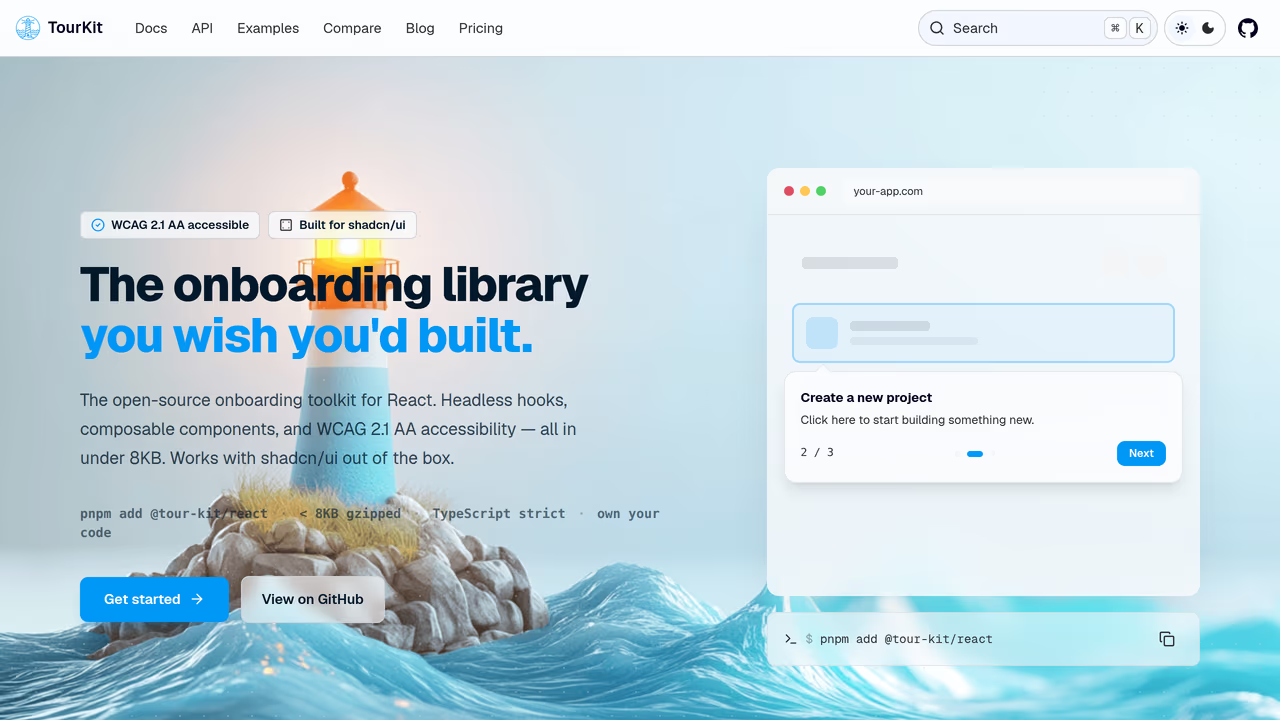
userTourKit ships 10 composable packages under a single licence with no asterisks: free while you build, one key to ship. The core weighs under 23KB gzipped. You install only the packages you need -- tours, hints, checklists, announcements, analytics, scheduling -- so your production bundle carries zero dead code. The headless architecture renders with your existing components (shadcn/ui, Radix, Tailwind, anything) rather than forcing its own opinions.
The cost picture: MIT license means unrestricted commercial use. The Pro tier ($9.99 one-time) unlocks adoption tracking, analytics, announcements, checklists, media, and scheduling. Unlike SaaS models, there's no monthly bill that grows with your team. The trade-off: it's a younger project, so community resources (Stack Overflow threads, blog tutorials) are thinner than React Joyride's. You're investing in a smaller ecosystem with a bet on its growth trajectory.
Strengths:
- Zero licensing risk: MIT with no commercial restrictions, no copyleft clauses
- Headless
asChildpattern (UnifiedSlot) eliminates CSS override battles entirely - WCAG 2.1 AA compliance with focus management, ARIA roles (
role="dialog",aria-describedby), keyboard navigation, andprefers-reduced-motion - Built-in analytics plugin system means no third-party wiring for PostHog or Mixpanel
Limitations:
- Requires React developers who can write JSX. No visual builder, no drag-and-drop
- Smaller community than established libraries -- fewer ready-made solutions on GitHub
- No React Native support
Pricing: Free (MIT). Pro features available for $9.99 one-time.
Best for: React teams using shadcn/ui, Radix, or a custom design system who want full ownership of their onboarding code without licensing surprises.
2. React Joyride: best for quick drop-in tours
React Joyride dominates npm downloads at roughly 700K per week, backed by approximately 7,600 GitHub stars. That install base is its strongest asset and its biggest risk factor. The library is MIT-licensed with zero commercial restrictions, and its massive community means free help is always a search away. But there's no company behind it, no paid tier funding development, and no consultancy keeping the lights on. Maintenance depends largely on the goodwill of its primary contributor.
As one comparison article observed: "For React-heavy products, React Joyride and Reactour make more sense than pretending framework differences do not matter" (Userorbit, 2026). That holds up. Joyride is React-native, not a vanilla JS library with a bolted-on wrapper.
The cost picture: Zero dollars, zero licensing strings. The hidden cost is integration friction: Joyride ships opinionated tooltip UI that clashes with Tailwind and CSS Modules. Teams using custom design systems report spending days overriding styles with !important hacks. At ~30KB gzipped, it also carries 4x the weight of leaner alternatives. And because there's no revenue model sustaining development, a future abandonment scenario means migrating 11K+ dependent projects worth of community patterns to a new library.
Strengths:
- Largest community: 44 contributors, 11K+ npm dependent projects -- problems are already solved somewhere
- Pre-built UI gets you from zero to a working tour in under 10 minutes
- Version 3 rewrite (2025-2026) modernized hooks and React 19 support
- MIT with zero strings attached
Limitations:
- No paid tier or business model sustaining long-term maintenance
- Opinionated styling requires CSS overrides to match your design system
- No headless mode: you accept their UI or fork the component layer
- Missing checklists, analytics, scheduling -- tours only
Pricing: Free (MIT).
Best for: Teams that need a production tour this week and can accept the default tooltip appearance. Factor in CSS override time if your design system is strict.
3. Shepherd.js: best for multi-framework teams
Shepherd.js stands out on sustainability grounds. It's maintained by Ship Shape, a software consultancy that uses the library in client projects and has a financial incentive to keep it alive. With approximately 12K GitHub stars, ~130K weekly npm downloads, and 170+ releases, it has the most professional maintenance story of any library on this list. The license is MIT -- commercially safe with no copyleft obligations.
"For most teams that want a strong all-around open-source option, Shepherd.js is the safest recommendation" (Userorbit, 2026). From a sustainability perspective, hard to argue.
The cost picture: MIT license, zero cost. The consultancy backing reduces abandonment risk compared to solo-maintainer projects. However, the React wrapper (react-shepherd) often lags behind the core library in updates. You're not writing React components -- you're configuring a JavaScript engine through an abstraction layer that introduces its own lifecycle quirks. Teams report spending integration time wrestling with DOM manipulation that conflicts with React's rendering model. The CSS it ships also collides with Tailwind utility classes, adding override hours to your estimate.
Strengths:
- Consultancy-backed maintenance: Ship Shape has business reasons to keep shipping updates
- Framework-agnostic core with adapters for React, Vue, Angular, and Ember
- 100+ contributors and 170+ releases signal a healthy project, not a hobby
- Keyboard navigation support out of the box
Limitations:
- React wrapper introduces a DOM abstraction layer -- not idiomatic React composition
- Ships its own CSS that conflicts with Tailwind and CSS Modules
- Bundle weight (~25KB gzipped) adds up, especially on mobile
- No analytics, checklists, or scheduling -- tours and step sequences only
Pricing: Free (MIT).
Best for: Organizations running apps across multiple frameworks (React + Vue, React + Angular) who value long-term maintenance stability over React-native ergonomics.
4. Driver.js: best for lightweight element highlighting
Driver.js delivers the lowest integration cost on this list if your needs are narrow. At roughly 5KB gzipped with zero dependencies, it adds almost nothing to your bundle. Approximately 22K GitHub stars make it the second-most-starred library here. TypeScript-first, MIT-licensed, framework-agnostic. The SVG overlay approach produces spotlight animations that look polished without any CSS work.
The cost picture: MIT and tiny. The catch is scope: Driver.js is an element highlighter, not a tour framework. If your onboarding requirements grow beyond "spotlight this button and show a tooltip," you'll be building your own state management, persistence, and step sequencing on top of it. There's no React wrapper, so you'll wire it through useEffect and refs -- straightforward for a senior dev, a time sink for a junior. The project is community-maintained without dedicated funding, and major releases have slowed. Budget for the possibility that you'll outgrow it and need to migrate.
Strengths:
- Smallest production bundle (~5KB gzipped) in the entire category
- Beautiful default spotlight animations with zero CSS configuration
- TypeScript-first codebase with full autocomplete
- MIT licensed, works in any framework or no framework at all
Limitations:
- No React integration layer: direct DOM manipulation requires
useEffectwiring that conflicts with React's virtual DOM model - No component composition: configuration via JS objects, not JSX trees
- Highlight-focused, not tour-focused: multi-step sequencing is rudimentary
- No dedicated team or funding model -- community-maintained with slowing release cadence
Pricing: Free (MIT).
Best for: Teams whose onboarding needs are limited to element spotlighting. If you foresee needing checklists, analytics, or branching flows, start with a more complete library to avoid a future migration.
5. Reactour: best for simple sequential tours
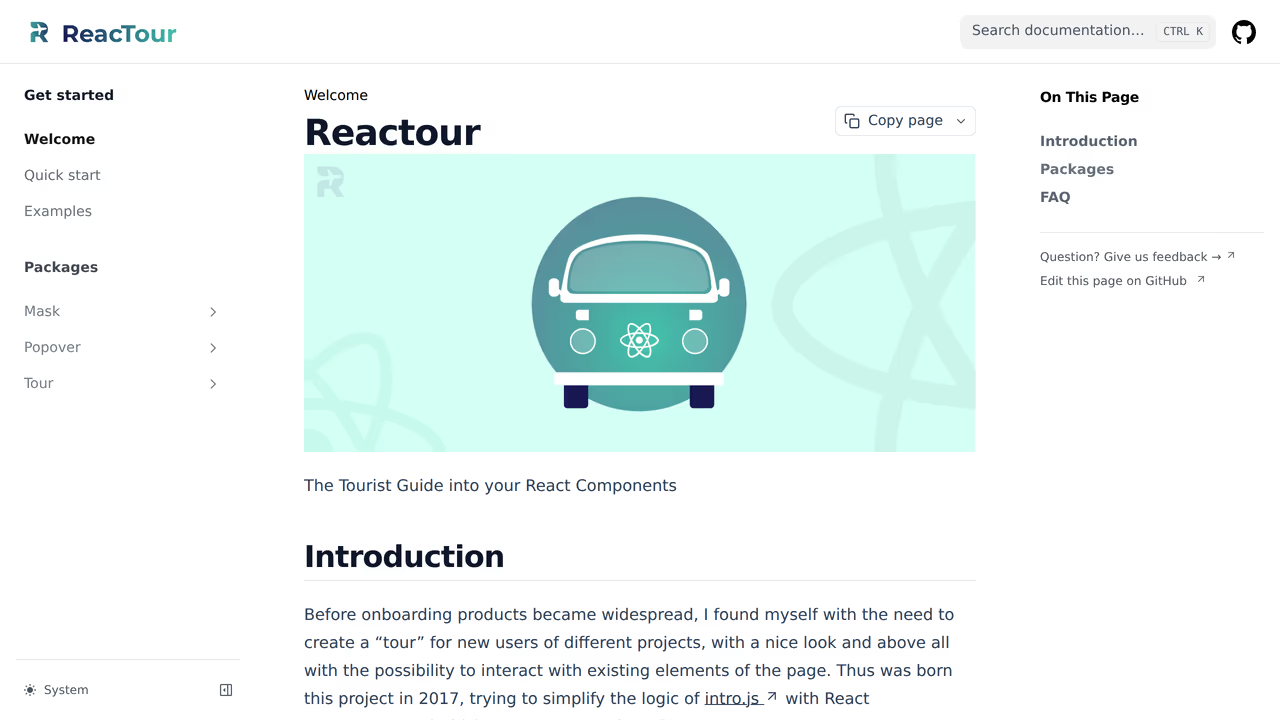
Reactour takes a minimalist approach: define steps as { selector, content } objects, wrap your app in a provider, and the tour runs. Approximately 3,800 GitHub stars, ~12KB gzipped, MIT-licensed. The v2 rewrite under @reactour/tour cleaned up the API, but the project's pace has settled into maintenance mode rather than active feature development.
The cost picture: MIT with no commercial restrictions. The integration cost is low for basic sequential tours -- you can have something working in 30 minutes. The long-term concern is stagnation. TypeScript types come from DefinitelyTyped rather than the source, which means they can drift out of sync after releases. The smaller community (compared to Joyride or Shepherd) means fewer pre-solved problems on Stack Overflow. If your onboarding requirements grow, Reactour has no analytics, no checklists, no headless mode, and limited extensibility. You'll hit a ceiling and face a rewrite.
Strengths:
- Minimal API surface: genuinely easy to learn and ship in an afternoon
- Accessible overlay and mask behavior included
- Compact footprint (~12KB gzipped) for a React-native solution
- MIT license with zero strings
Limitations:
- DefinitelyTyped types lag behind source releases -- type mismatches happen
- No headless mode: you get the built-in popover or you fork the component
- Feature ceiling is low: no analytics, checklists, or extensibility hooks
- Smaller community translates to fewer tutorials and solved edge cases
Pricing: Free (MIT).
Best for: Side projects and MVPs that need a basic tour without architectural investment. Plan for a migration if your product's onboarding needs outgrow linear step sequences.
6. OnboardJS: best for state machine architecture
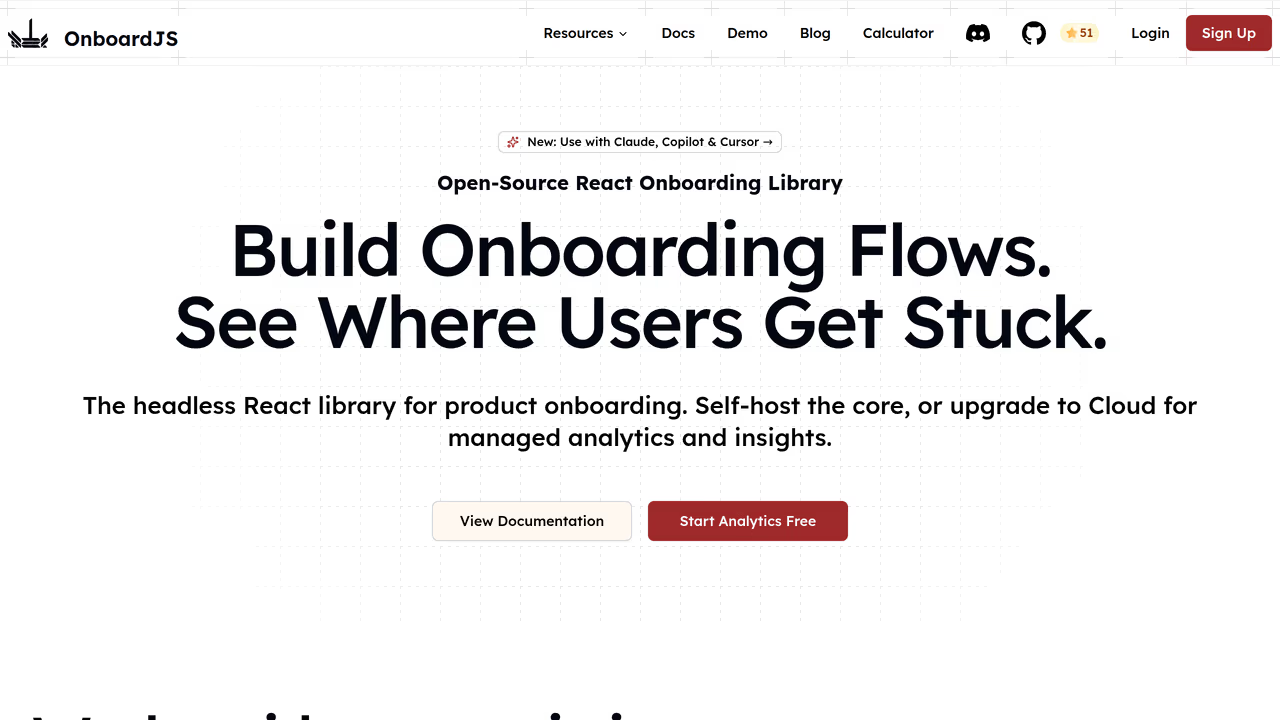
OnboardJS markets itself as a headless onboarding framework with a state machine core. The MIT-licensed open-source tier gives you tour logic, React bindings, and analytics plugins for PostHog and Supabase. But the product has a clear free-to-paid funnel: advanced features like dashboard management, multi-tour orchestration, and team collaboration sit behind a $59/month SaaS subscription.
The cost picture: Tour Kit is genuinely free to develop against, and a one-time key from $9.99 covers shipping it. If you need analytics dashboards, A/B testing, or no-code tour editing, you're looking at $708/year -- many times userTourKit's one-time cost for comparable features. The project has a solo maintainer with an aggressive content strategy, which is both a strength (rapid iteration) and a risk (bus factor of one). Documentation is still maturing, so expect to spend time reading source code rather than polished guides.
Strengths:
- Headless architecture: you own every pixel of the tour UI
- State machine model prevents impossible tour states in complex branching flows
- Built-in analytics plugins (PostHog, Supabase, Mixpanel) reduce integration wiring
- TypeScript-first with good autocomplete
Limitations:
- Solo maintainer: bus factor of one means long-term sustainability is uncertain
- $59/month SaaS tier for features many competitors include free or at a one-time cost
- Documentation gaps require reading source code for advanced use cases
- State machine model adds conceptual overhead for teams that just want linear tours
Pricing: Free (MIT core). $59/month for SaaS dashboard and advanced features.
Best for: Teams already thinking in state machines who need PostHog/Supabase analytics hooks. Budget for the SaaS tier if you anticipate needing dashboard management.
7. Onborda: best for Next.js App Router
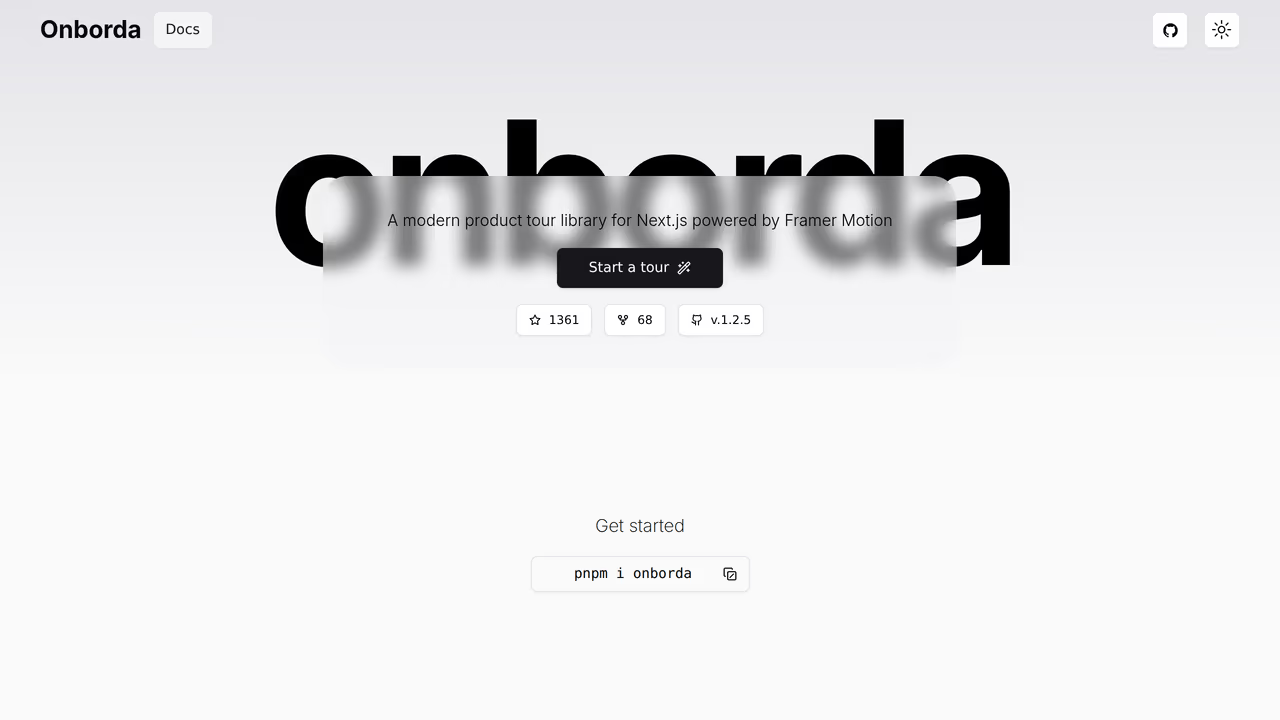
Onborda was purpose-built for Next.js App Router, handling server components, client boundaries, and route transitions without the workarounds other libraries require. MIT-licensed, TypeScript-native, and ships with Framer Motion animations. If your stack is exclusively Next.js, it removes an entire category of integration headaches.
The cost picture: MIT and free. The hidden cost is the Framer Motion dependency: if your project doesn't already use Framer Motion, Onborda pulls it into your bundle (~8KB for Onborda itself plus Framer Motion's weight). The bigger risk is lock-in. Onborda works only with Next.js -- if you ever migrate to Remix, Vite, or plain React, this library comes with you or gets replaced entirely. The project has a small contributor base, limited documentation, and no visible business model sustaining it. It's a bet on one developer's continued interest in the Next.js ecosystem.
Strengths:
- Native App Router integration: no
'use client'hacks or dynamic import workarounds - Framer Motion animations ship ready to use
- TypeScript types built in
- Works with shadcn/ui components out of the box
Limitations:
- Next.js only: zero portability to Vite, Remix, or vanilla React
- Framer Motion dependency inflates bundle if you're not already using it
- Small contributor base with no funded maintenance model
- No analytics, checklists, hints, or scheduling
Pricing: Free (MIT).
Best for: Teams fully committed to Next.js App Router who already use Framer Motion and accept the framework lock-in trade-off.
8. Intro.js: the AGPL licensing trap
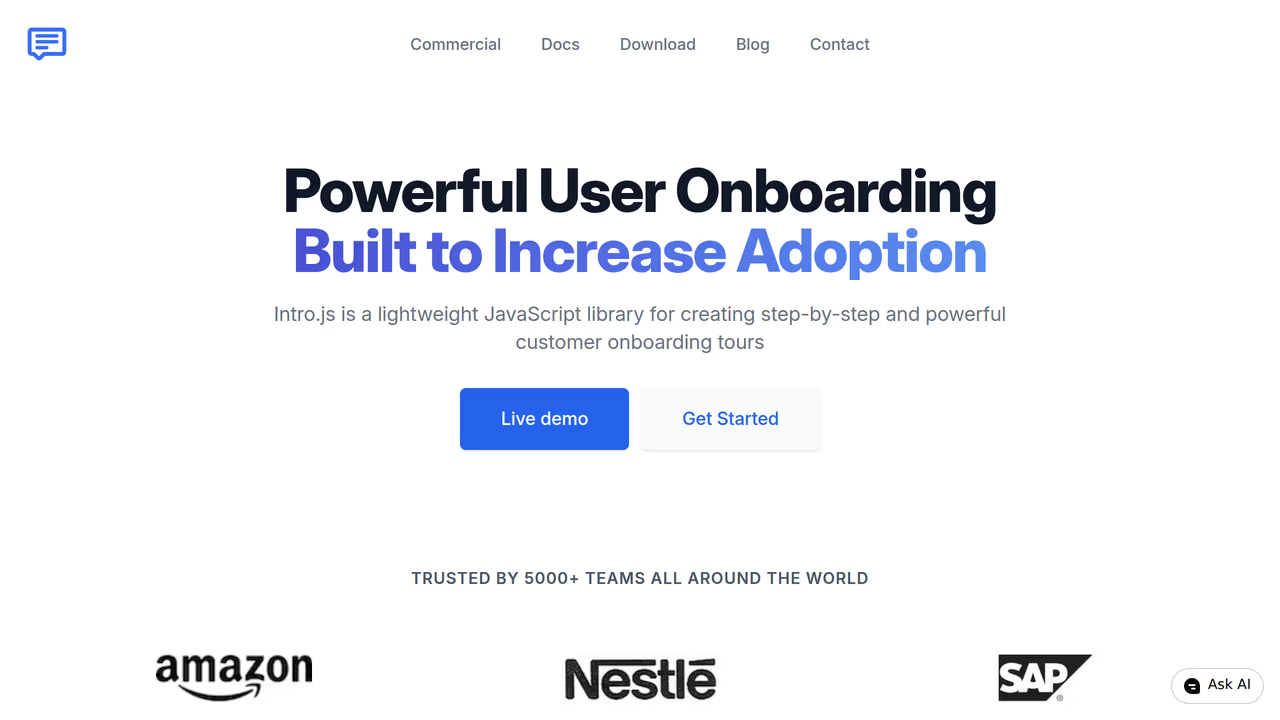
Intro.js has approximately 22K GitHub stars, a ~10KB gzipped bundle, zero runtime dependencies, and a license that will send your legal team into a meeting. It uses AGPL-3.0, which is not MIT, not Apache, and not "free for commercial use." Under AGPL, if your application uses Intro.js and is accessible over a network (which describes every SaaS product), you must release your entire application's source code under the same AGPL license -- or purchase a commercial license.
Most "free tour library" roundups include Intro.js without flagging this distinction. Let's be explicit: AGPL-3.0 means copyleft. "Copyleft" means any software that incorporates AGPL code must also be distributed under AGPL. For a SaaS product, "distributed" includes serving the application over the internet. If you ship Intro.js in a commercial product without a commercial license, you are in violation of its terms.
The cost picture: The commercial license starts at $9.99 for personal projects and scales with team size. For a startup, that might be $49-$199. It's not expensive -- but it's not free, and the AGPL trap catches teams who assumed "open source" meant "no restrictions." The library itself is solid: keyboard navigation, zero dependencies, battle-tested since 2013. But no React-native integration exists (you'll wrap DOM manipulation calls), and TypeScript types come from DefinitelyTyped rather than the source. Factor in the legal review time to confirm your AGPL compliance posture.
Strengths:
- Zero external dependencies and a small ~10KB bundle
- Keyboard navigation and basic accessibility built in
- 13 years of production stability -- genuinely battle-tested
- Works across frameworks via DOM-level API
Limitations:
- AGPL-3.0 copyleft: commercial SaaS must open-source their app or buy a license
- Commercial license pricing scales with team size, not a flat rate
- No React-native integration: DOM manipulation via wrapper, not component composition
- TypeScript via DefinitelyTyped only -- types can drift from the actual API
Pricing: Free for open-source and non-commercial use (AGPL-3.0). Commercial license from $9.99, scaling with team size.
Best for: Open-source projects and personal tools where AGPL obligations are a non-issue. Commercial teams should either budget for the license or choose one of the eight MIT alternatives on this list.
9. GuideChimp: best for multi-page tours
GuideChimp has 99 releases and active maintenance as of March 2026. Its differentiator is multi-page tour support that persists state across full page navigations -- a feature most SPA-focused libraries handle poorly or not at all. MIT-licensed with a plugin architecture for extensibility.
The cost picture: MIT and free. The integration cost is moderate: the library works via wrappers for React, and its TypeScript coverage is partial. The community is small, documentation is sparse, and you'll likely spend time reading source code. At ~15KB gzipped it's mid-range. The sustainability risk is moderate -- steady releases suggest an engaged maintainer, but the small contributor base means this is another single-point-of-failure project. Worth considering if multi-page persistence is a hard requirement, but not a first choice for SPA-only apps.
Strengths:
- Multi-page tours that survive full page navigations without losing state
- 99 releases signal consistent, long-running maintenance
- Plugin architecture at ~15KB gzipped allows selective feature loading
- MIT license with no commercial restrictions
Limitations:
- Small community with sparse documentation
- Partial TypeScript coverage -- expect some
anytypes - Minimal accessibility features
- React integration is via wrapper, not native components
Pricing: Free (MIT).
Best for: Multi-page applications (not SPAs) where tour state must survive full navigation events. For single-page React apps, other libraries on this list integrate more naturally.
The accessibility gap nobody talks about
Here's what surprised us most during testing. Almost no open-source tour library documents WCAG 2.1 AA compliance, yet every production app using these libraries serves users who navigate by keyboard or screen reader.
Shepherd.js mentions keyboard navigation in its docs. Reactour renders accessible overlays. Intro.js claims "full accessibility support." But none of them publish Lighthouse accessibility scores, document their ARIA role usage, or mention prefers-reduced-motion support. Not one.
Why does this matter? Accessible interactive components are a growing priority in the React ecosystem (InfoQ, 2025). Screen reader users and keyboard-only navigators deserve onboarding that works for them too.
userTourKit scores Lighthouse 100 for accessibility. Every tour step manages focus programmatically, uses ARIA roles (role="dialog", aria-describedby), supports Tab/Escape/Arrow key navigation, and respects prefers-reduced-motion by disabling animations when the user's OS preference requests it. These behaviors are tested with axe-core on every CI build -- not claimed in docs, verified in automation.
The bar is low right now. Ship ARIA roles and keyboard navigation and you're ahead of most libraries in this space.
How to choose the right library for your project
Prioritize license safety first. Eight of the nine libraries here are MIT. One (Intro.js) is AGPL-3.0. If you're building a commercial SaaS product, eliminate AGPL from your shortlist immediately unless you've budgeted for the commercial license and legal review.
Evaluate maintenance sustainability second. Shepherd.js (consultancy-backed) and React Joyride (massive community) carry the lowest abandonment risk. Solo-maintainer projects (OnboardJS, Onborda, Driver.js) are higher risk regardless of how good they are today.
Choose a headless library (userTourKit, OnboardJS) if your team has React developers and you want tour UI that matches your design system exactly. You write more JSX, but you avoid style conflicts and CSS override hours entirely.
Choose an opinionated library (React Joyride, Shepherd.js) if you need a working tour shipped this week and the default tooltip UI is acceptable. Budget 1-3 days for CSS overrides if your design system is strict.
Choose a lightweight library (Driver.js) if you primarily need element highlighting rather than full onboarding flows. Budget for building your own state management on top.
Avoid framework-locked libraries (Onborda) unless you're certain your framework choice won't change. Migration costs from a Next.js-only library are total rewrites, not incremental refactors.
FAQ
Is AGPL really a problem for my commercial project?
Yes, if you're building a SaaS product. AGPL-3.0 is a copyleft license that requires any application incorporating AGPL code to be released under the same license -- including applications served over a network. Of the nine libraries on this list, only Intro.js uses AGPL. The other eight are MIT, which imposes no restrictions on commercial use. If your legal team hasn't reviewed AGPL specifically, assume you need the commercial license or choose an MIT alternative.
What happens if an open-source tour library gets abandoned?
You fork it or you migrate. Signs of abandonment: no npm publish in 12+ months, unmerged PRs piling up, issues going unanswered. To reduce this risk, prefer libraries with multiple contributors (React Joyride has 44, Shepherd.js has 100+) or a business model sustaining development. Solo-maintainer projects are the highest risk regardless of quality. Before committing, check the GitHub pulse page and npm publish history -- not just the star count.
Which free tour libraries have a paid tier I might need later?
Three libraries on this list have paid tiers. userTourKit Pro costs $9.99 one-time for adoption tracking, analytics, announcements, checklists, media, and scheduling. OnboardJS charges $59/month ($708/year) for dashboard management and advanced features. Intro.js requires a commercial license starting at $9.99 (scaling with team size) for any proprietary use due to its AGPL license. The remaining six libraries are fully free with no paid tier -- but also no funded development.
How much developer time does each library cost to integrate?
Rough estimates for a 5-step tour in a React 19 + TypeScript project: React Joyride and Reactour are fastest at 1-2 hours (pre-built UI, minimal config). Shepherd.js and userTourKit take 2-4 hours (Shepherd for CSS overrides, userTourKit for writing your own JSX components). Driver.js takes 2-3 hours due to manual useEffect wiring. OnboardJS and Onborda take 3-5 hours (state machine learning curve for OnboardJS, Next.js-specific setup for Onborda). Intro.js takes 2-3 hours plus legal review time for the AGPL assessment.
Can I use these libraries in a commercial SaaS product for free?
Seven of nine: yes. React Joyride, Shepherd.js, Driver.js, Reactour, OnboardJS (core), Onborda, and GuideChimp are MIT-licensed, which permits unrestricted commercial use with no obligation to open-source your code. userTourKit's core is BUSL-1.1-licensed instead: free in development with a licence key for production. Intro.js is the exception: its AGPL-3.0 license requires you to either release your entire application's source code or purchase a commercial license. "Open source" does not automatically mean "free for commercial use" -- always check the specific license.
Own your onboarding. Ship it today.
No vendor lock-in. No monthly invoice. Just code you control and users who convert.
$pnpm add @tour-kit/coreRelated articles
10 Best Product Tour Tools for React Developers (2026)
Discover the best product tour tools for React in 2026. We installed and tested 10 options, comparing bundle size, TypeScript support, React 19 compatibility, and pricing.
Read article
7 Best Headless UI Libraries for Onboarding in 2026
We tested 7 headless libraries for building product tours and onboarding flows in React. Comparing bundle size, accessibility, and composition patterns.
Read article
8 TypeScript Product Tour Libraries Ranked by Developer Experience (2026)
We tested 8 product tour libraries for TypeScript quality. See which have real types, which ship broken generics, and which force you into any.
Read article
6 Best Intercom Product Tour Alternatives in 2026
Compare 6 Intercom product tour alternatives with real pricing, bundle sizes, and accessibility data. Find the right onboarding tool for your React app.
Read article